

Download your LinkedIn connections or export a CSV from any tool and upload it to Titen.

Match the columns, review conflicts and merge duplicates in one pass.

Notes, tasks and introductions work on imported contacts from the first day.
LinkedIn holds the connections, your phone holds the numbers and a drawer holds the business cards. None of them talk to each other, and none of them tell you who matters.
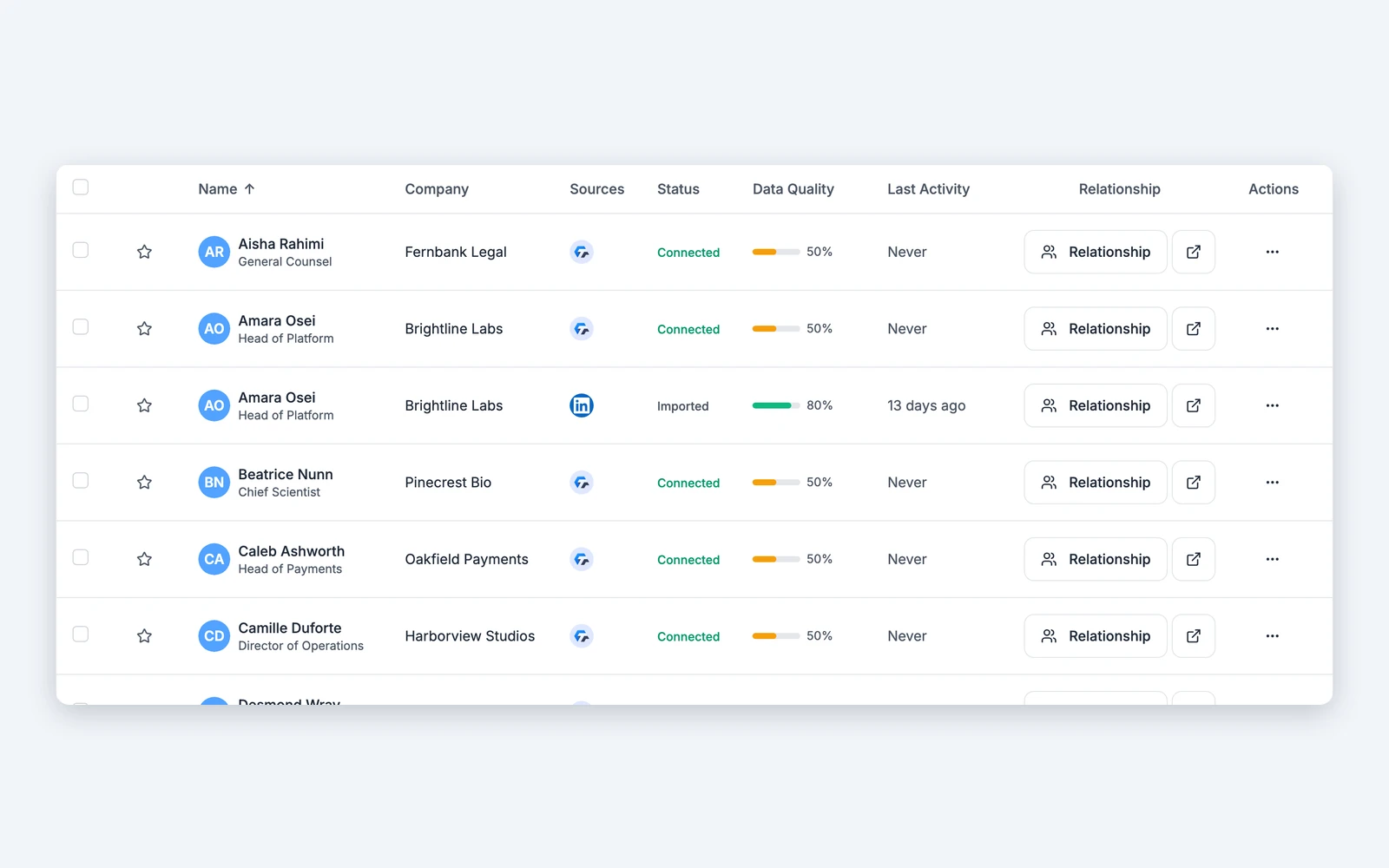
Titen accepts your LinkedIn connections export, a LinkedIn profile PDF and any CSV with column mapping. Business cards scan straight into your network. You watch progress, conflicts and duplicates as the import runs.

Upload your LinkedIn connections export, a LinkedIn profile PDF or any CSV. Map the columns once and your network is in.

Photograph a card after the meeting and Titen turns it into a contact in your network.

Titen finds the same person across your imports and merges them into one record, so notes and history never split.

Export your whole network as CSV, JSON or Markdown at any time. Analytics export to CSV, JSON and branded PDF.
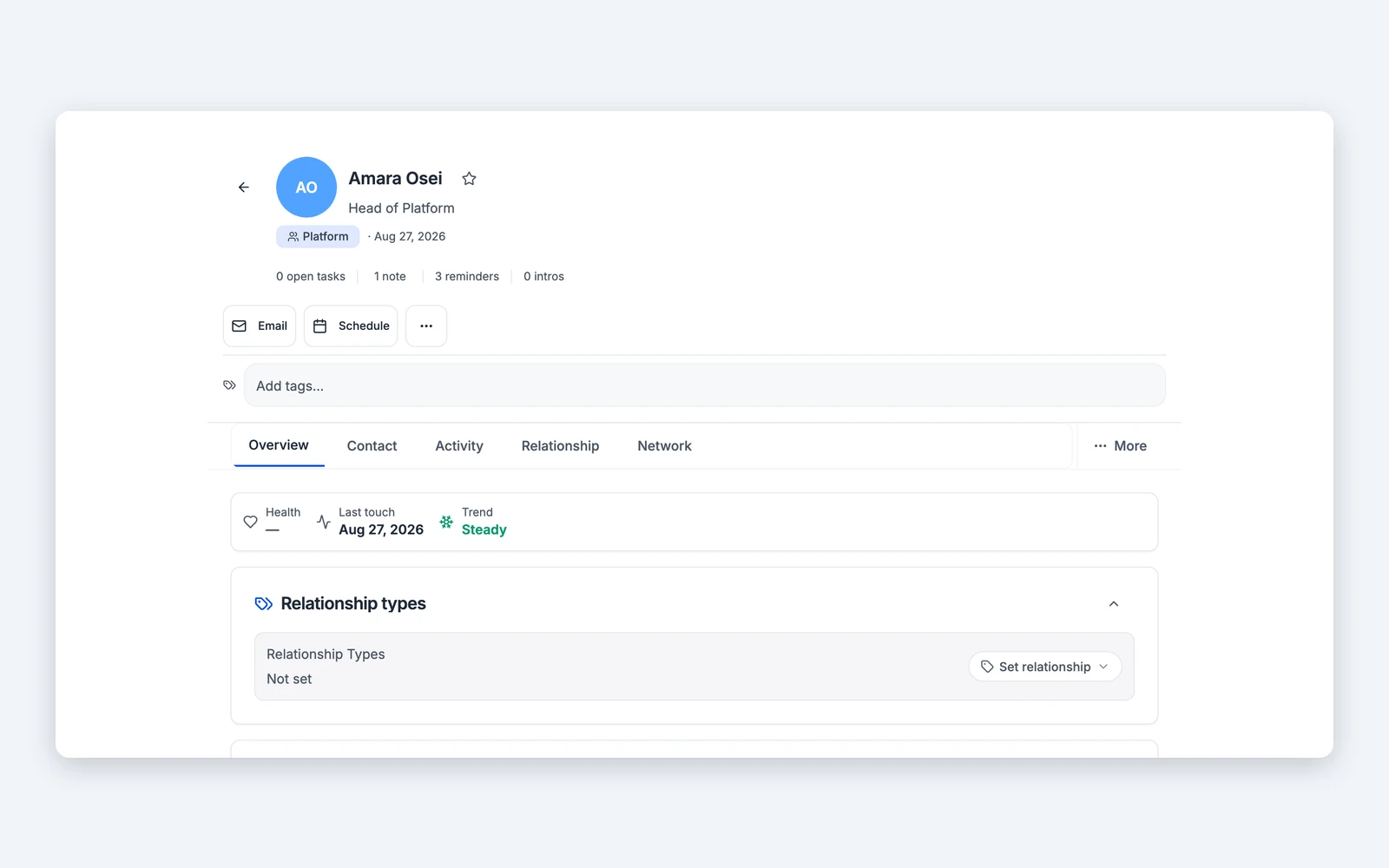
Tell us which one matters most to you and we build in that order.

Keep the people you meet with in step with your network.

Bring email and messaging context to the relationship.

Keep your relationship layer and your sales system in step.

Turn registrations into relationships wherever you run events.

Put relationship context inside the tools you already work in.
Does Titen connect to my calendar, email or CRM today?
Can I import contacts today?
Do you have a public API?
Is my imported data private?