
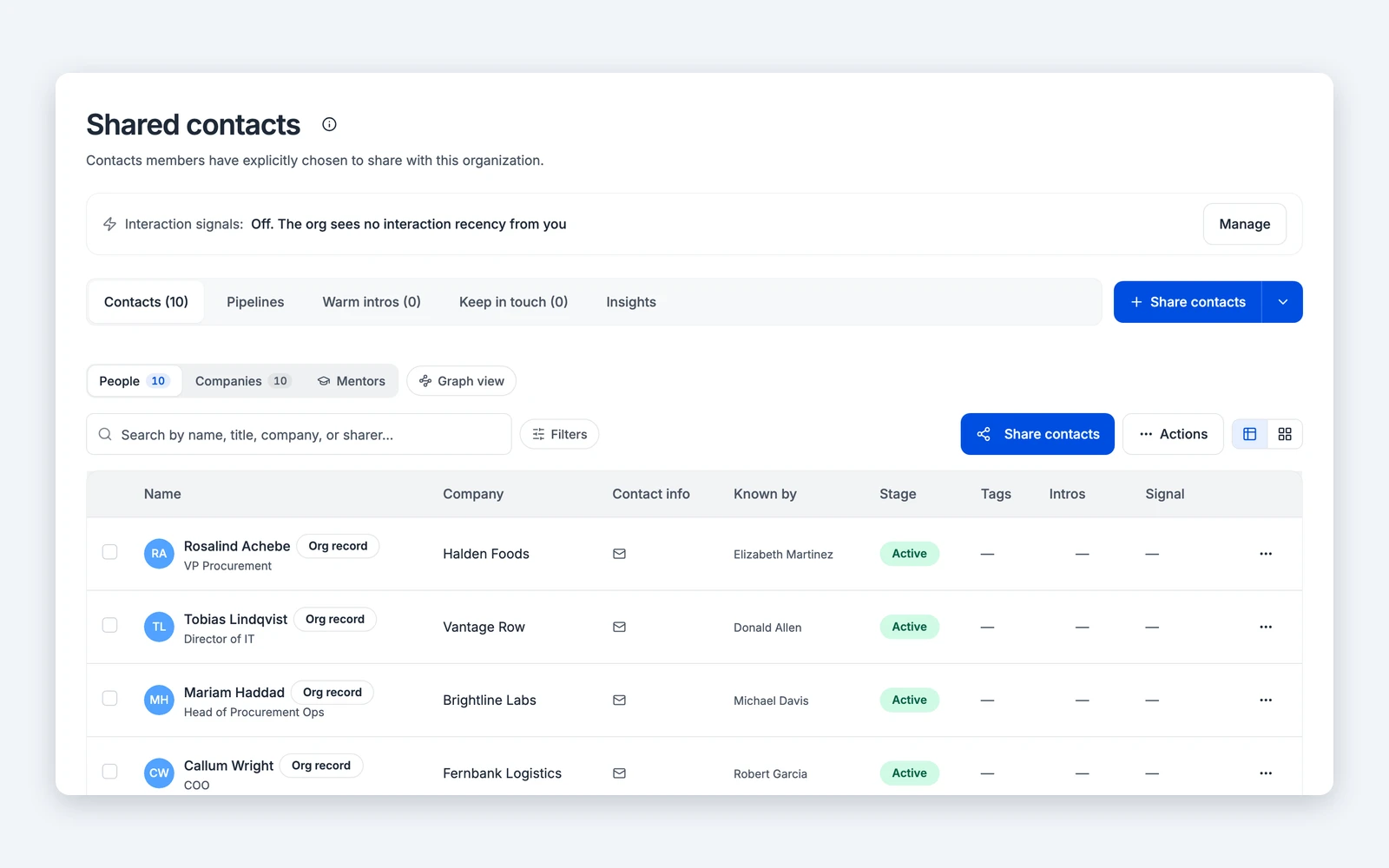
Ask for a person or company and see which colleague already has the relationship, and how they got it.
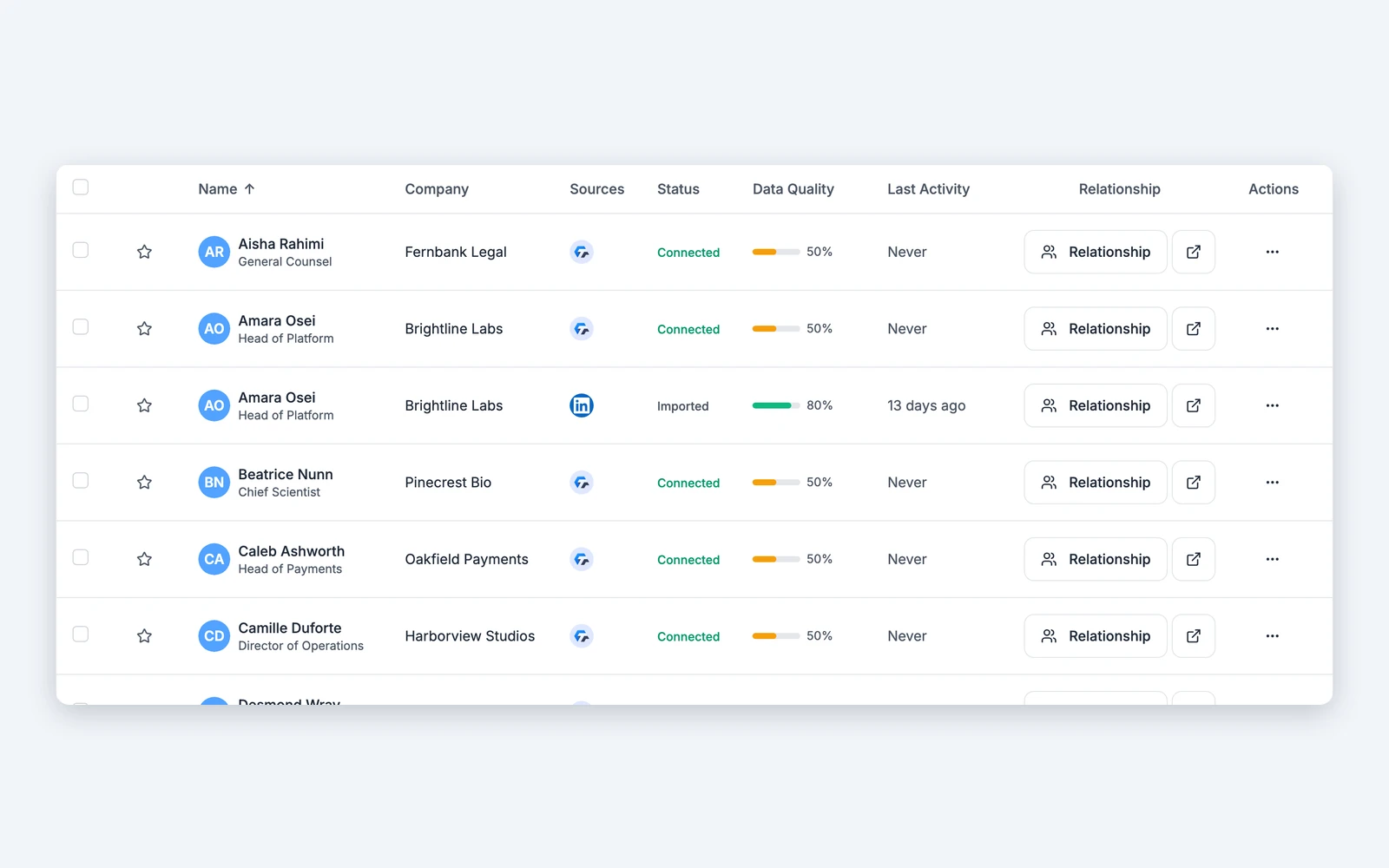
Personal contacts stay private until someone decides to share them. Personal notes never move.
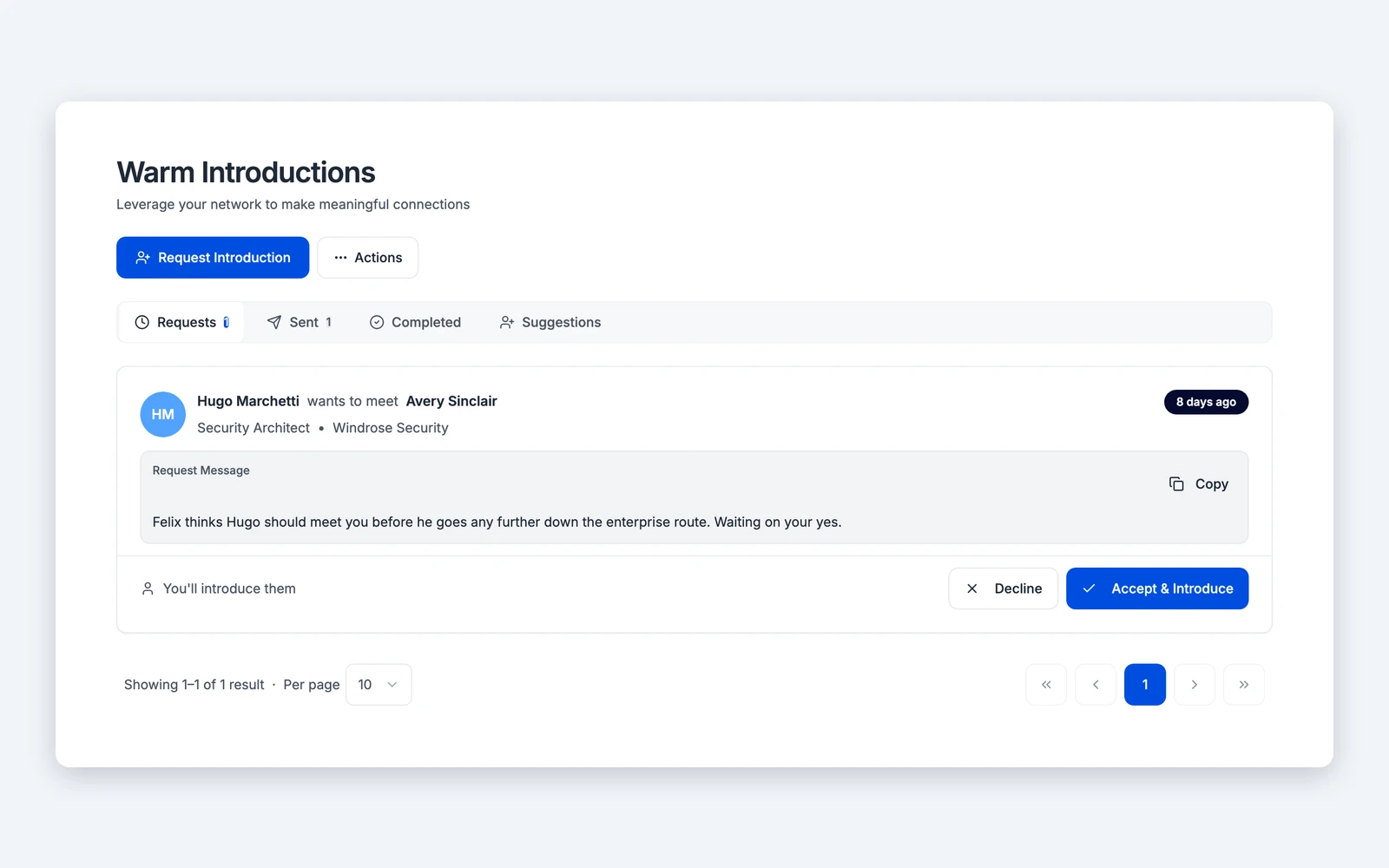
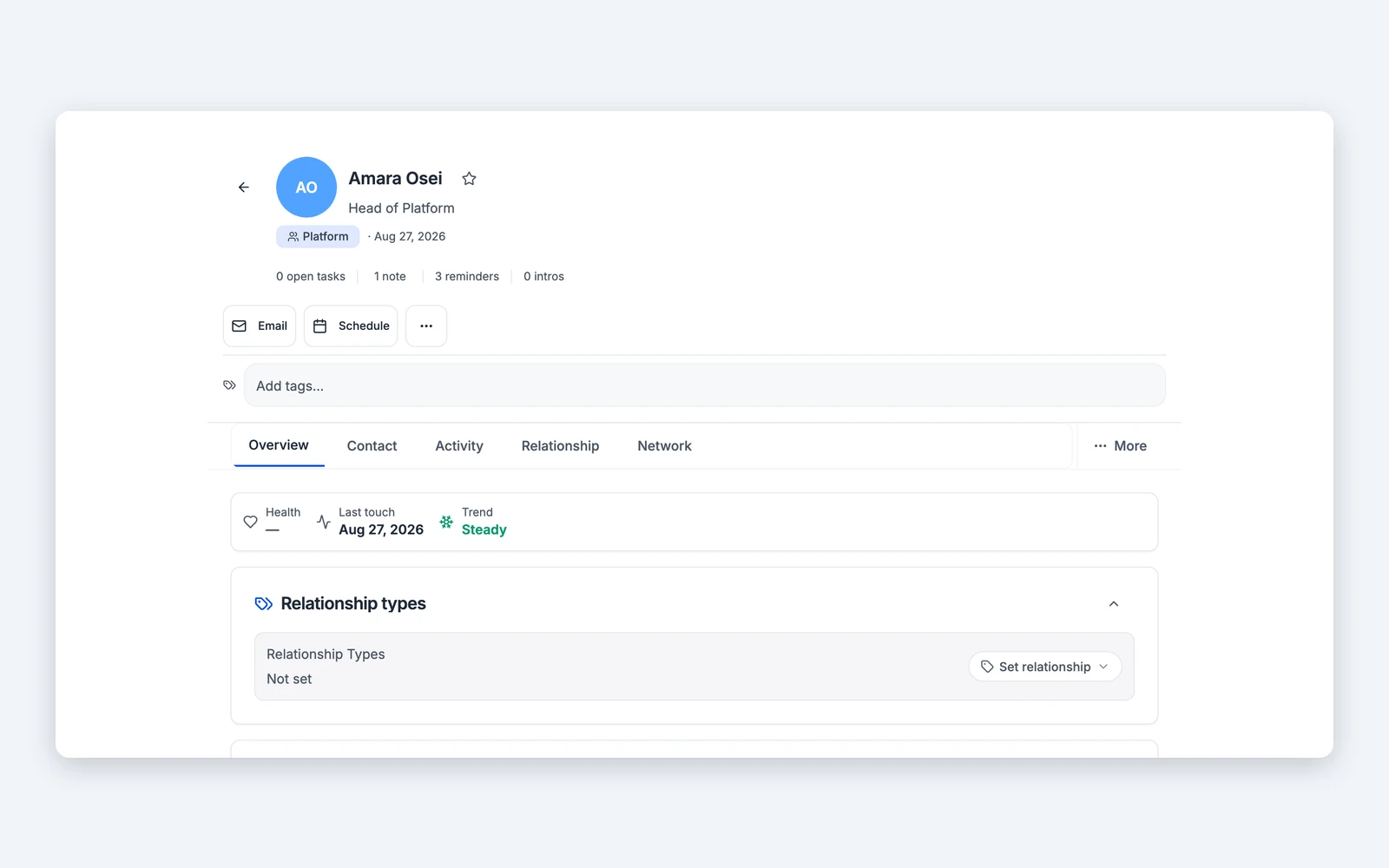
Every shared contact shows who brought it into the network and who can make the introduction.

Each person keeps a private workspace and decides which contacts to share with the company.

Search a person or company and see every colleague with a path to them, and how each one made the connection.

Request the intro from the colleague who holds the relationship, and keep the context on the shared record.
Teams send cold outreach while a warm path sits two desks away. Recruiters source people a colleague already knows. When someone leaves, their relationship history often leaves with them.
Type a name or a company. Titen shows every colleague who already has the relationship, how they met and who is best placed to make the introduction.
Each path shows who has the strongest relationship and when they last spoke.
Personal notes stay personal. Anyone can export their own data. Titen never sends or posts on someone's behalf.
Do employees have to share their contacts?
Can the company see private personal notes?
How do seats work?
Can we use Titen for partner or alumni networks?
Who can make an introduction from a shared contact?